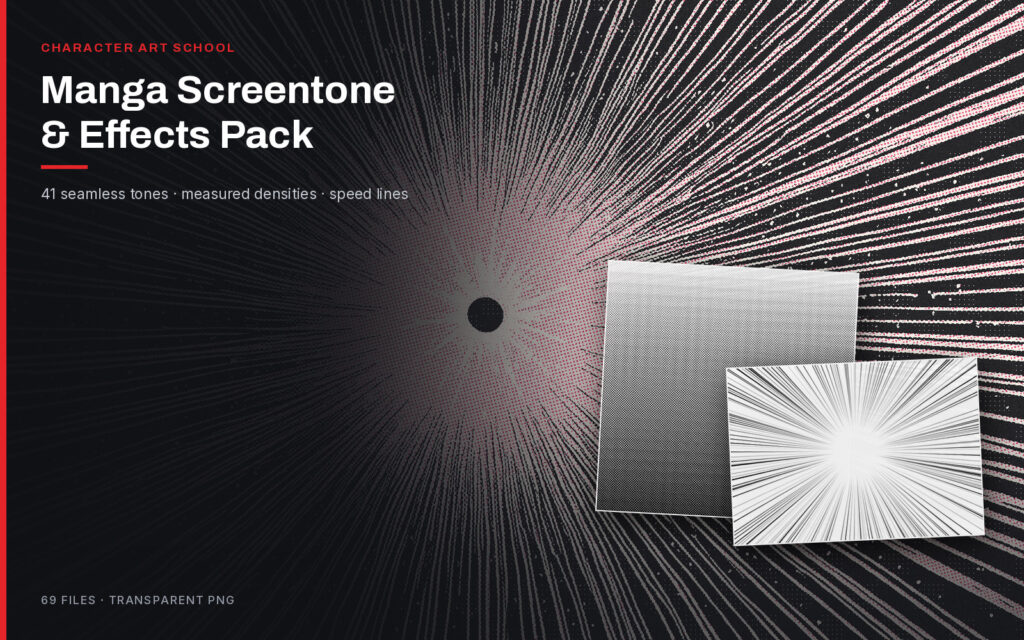
Manga Screentone & Effects Pack
41 seamless screentones at measured densities, 4 gradients and 24 focus-line and speed-line sheets. Every tone tiles invisibly.
ZIP · 79 MB · 69 files · transparent PNG
$15.00
View

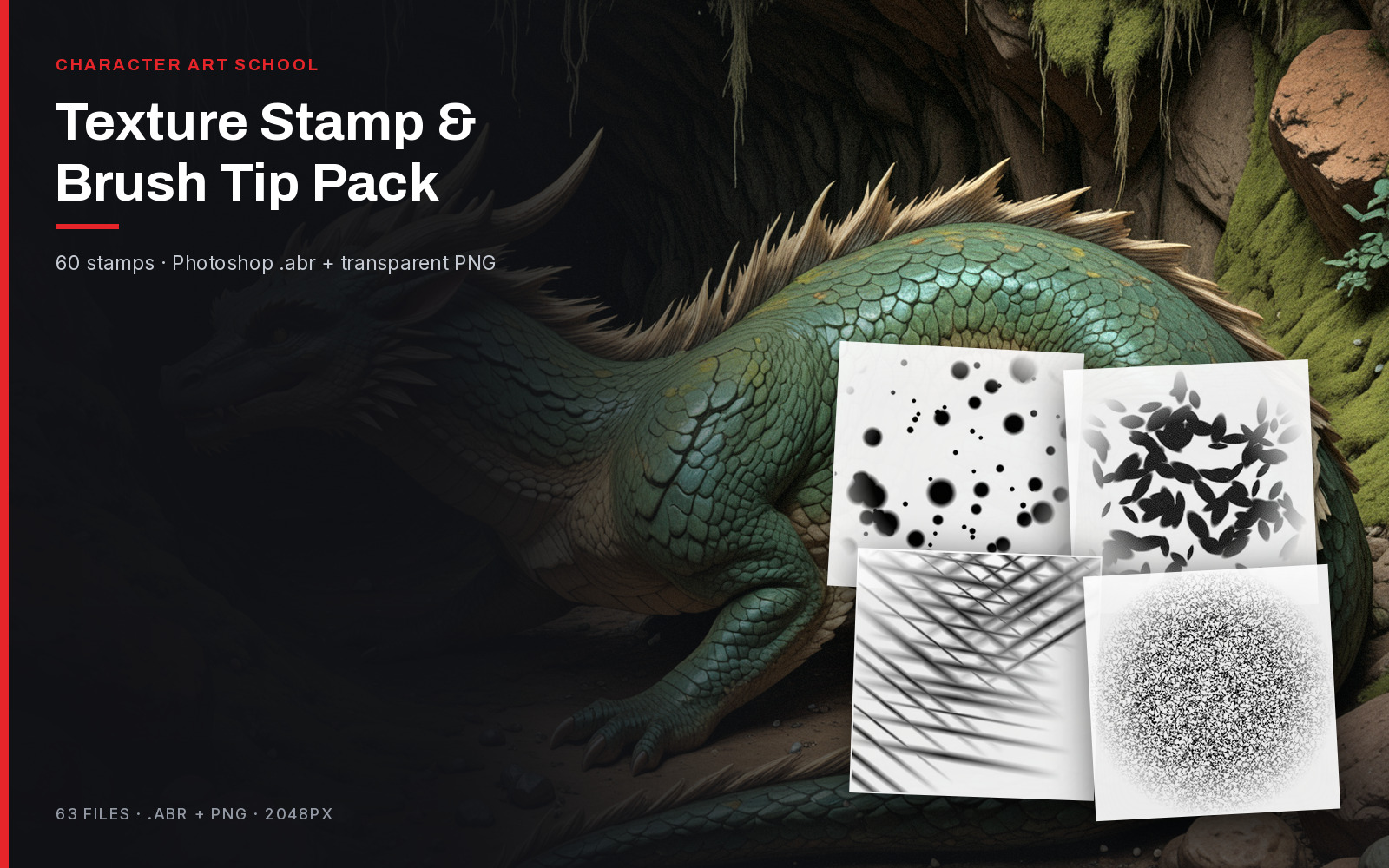
Textures & Brushes
41 procedural stamps at 2048px plus Photoshop brush-tip files — chalk, spatter, foliage, cloud, hatching, dry brush, rock and fabric.
ZIP · 84 MB · 41 PNG stamps + 8 .abr files
One mood shot, then the actual pages and files from the pack — no mockups.
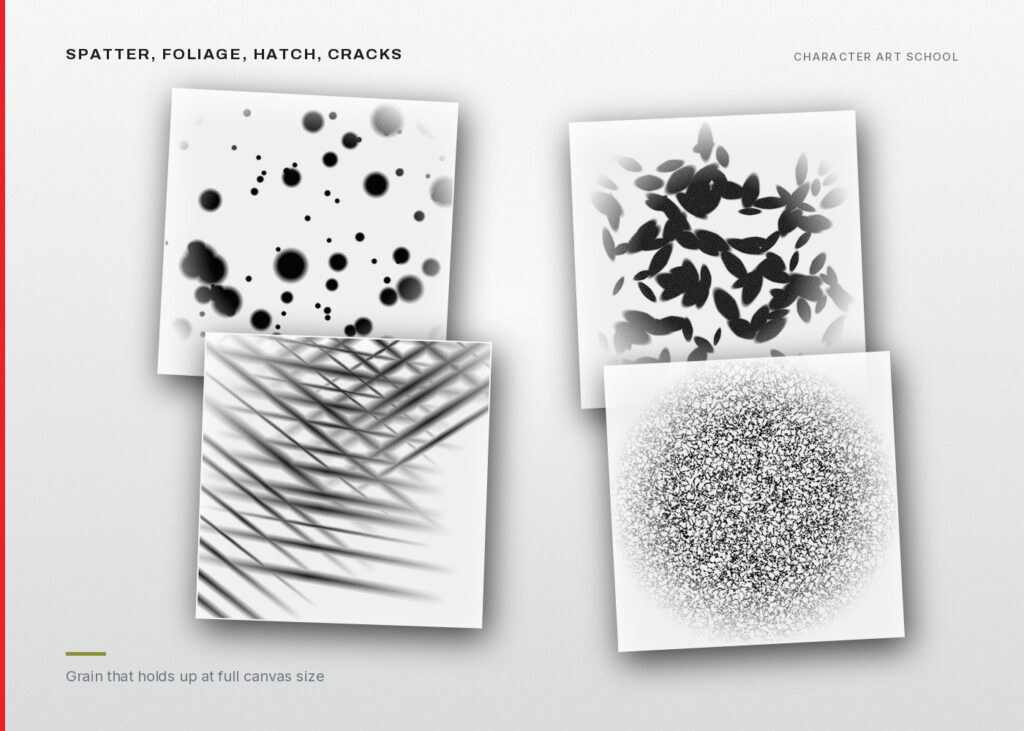
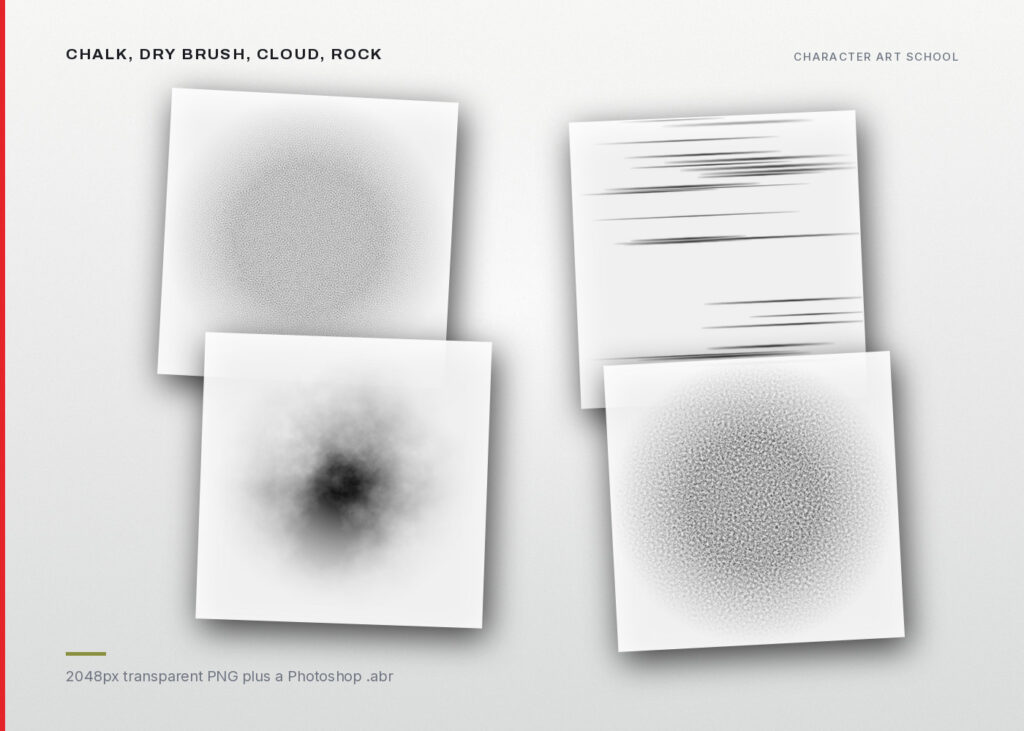
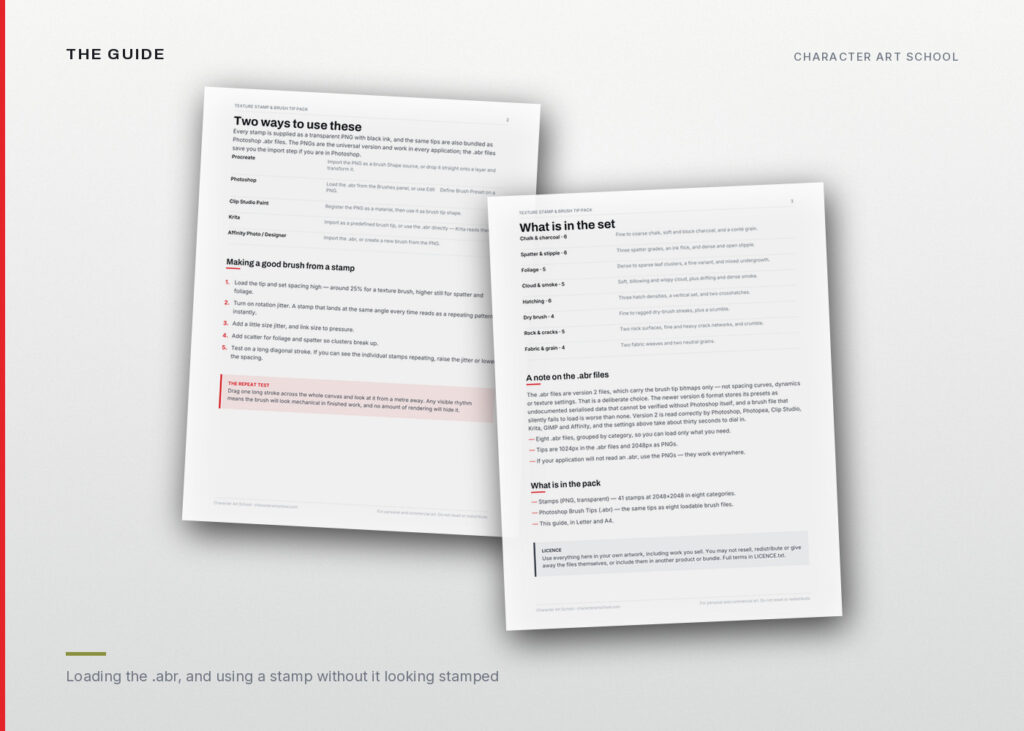
Every stamp comes two ways: a transparent PNG that works in every application, and a Photoshop .abr file that saves you the import step. Procreate, Photoshop, Clip Studio, Krita and Affinity are all covered.
Load the tip, set spacing to about 25%, turn on rotation jitter, link size to pressure. Then drag one long stroke across the whole canvas and look at it from a metre away. Any visible rhythm means the brush will look mechanical in finished work, and no amount of rendering hides it.
These are version 2 files, which carry the brush tip bitmaps only — no dynamics. That is deliberate. The newer version 6 format stores presets as undocumented serialised data that cannot be verified without Photoshop itself, and a brush file that silently fails to load is worse than none. Version 2 is read correctly by Photoshop, Photopea, Clip Studio, Krita, GIMP and Affinity, and the settings above take thirty seconds to dial in.
41 seamless screentones at measured densities, 4 gradients and 24 focus-line and speed-line sheets. Every tone tiles invisibly.
ZIP · 79 MB · 69 files · transparent PNG
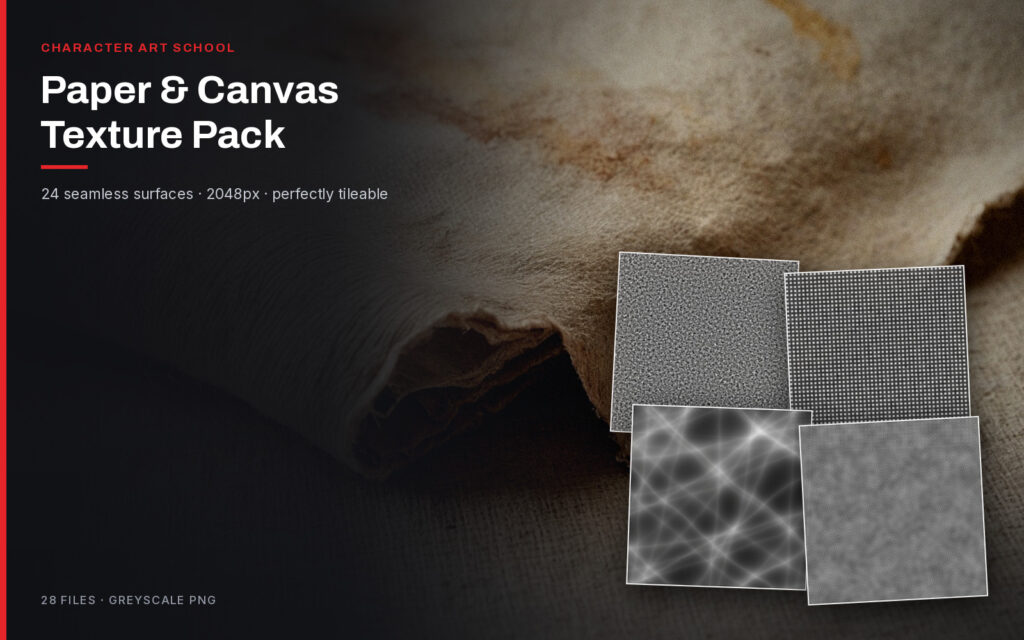
24 seamless surface textures at 2048px — drawing papers, watercolour stocks, canvas weaves and aged surfaces. Every one tiles invisibly.
ZIP · 77 MB · 24 greyscale PNGs
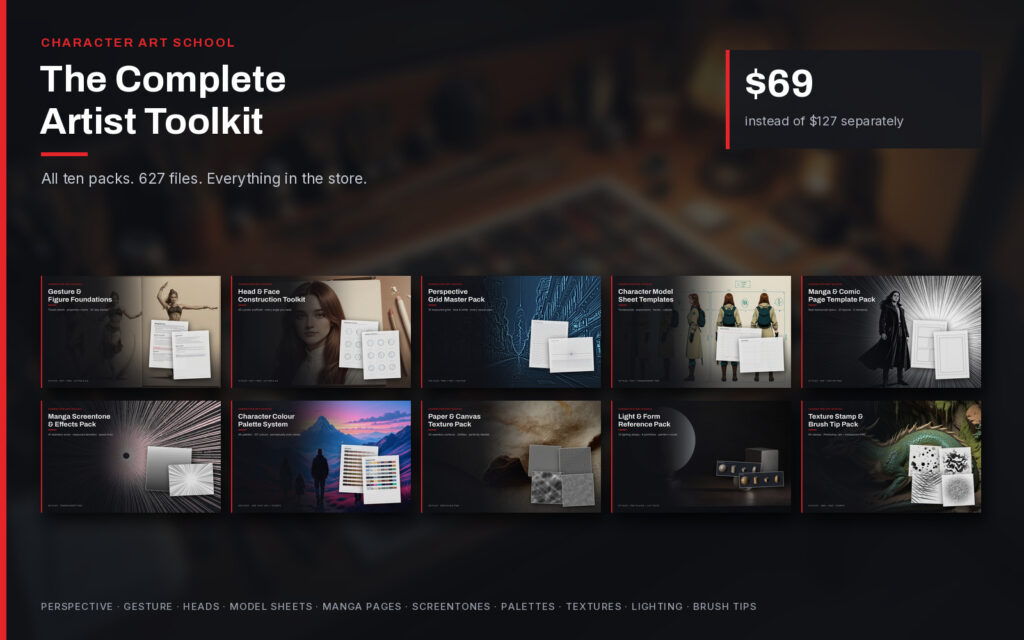
All ten packs. 627 files, ten guides, every format. Buying them separately costs $127.
10 ZIP files · 342 MB total · PDF, PNG, .abr, .ase, .aco, .gpl
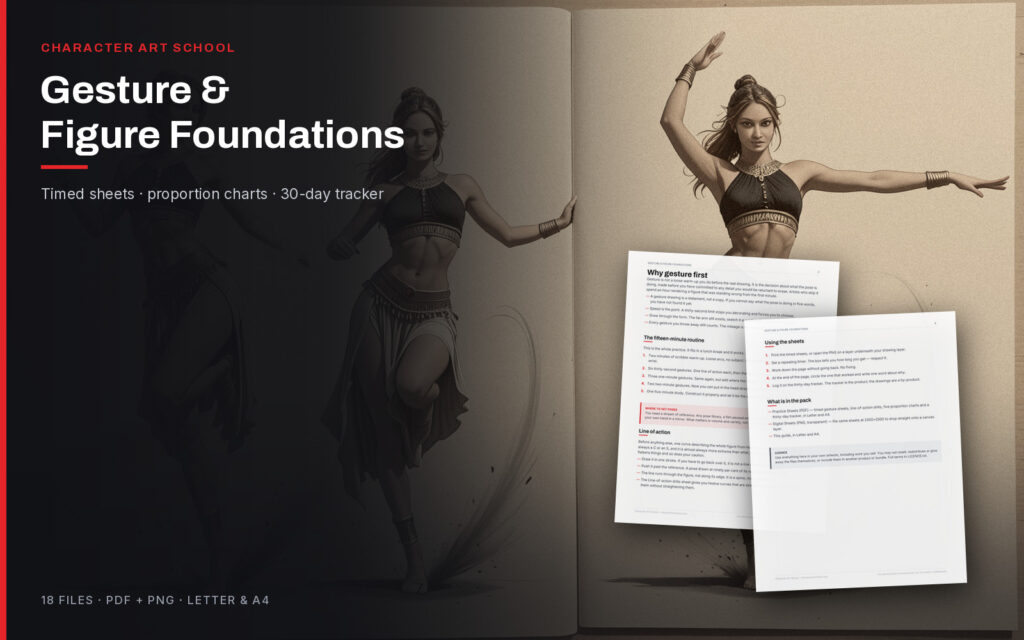
Timed practice sheets, measured proportion charts and line-of-action drills. The daily work that makes everything else easier.
ZIP · 1.3 MB · PDF + PNG · Letter & A4